A quick peek

How it works. Three short steps.

  1. Pic a flower

    Camera or your photos. Works best with one bloom.

  2. Arrange a posy

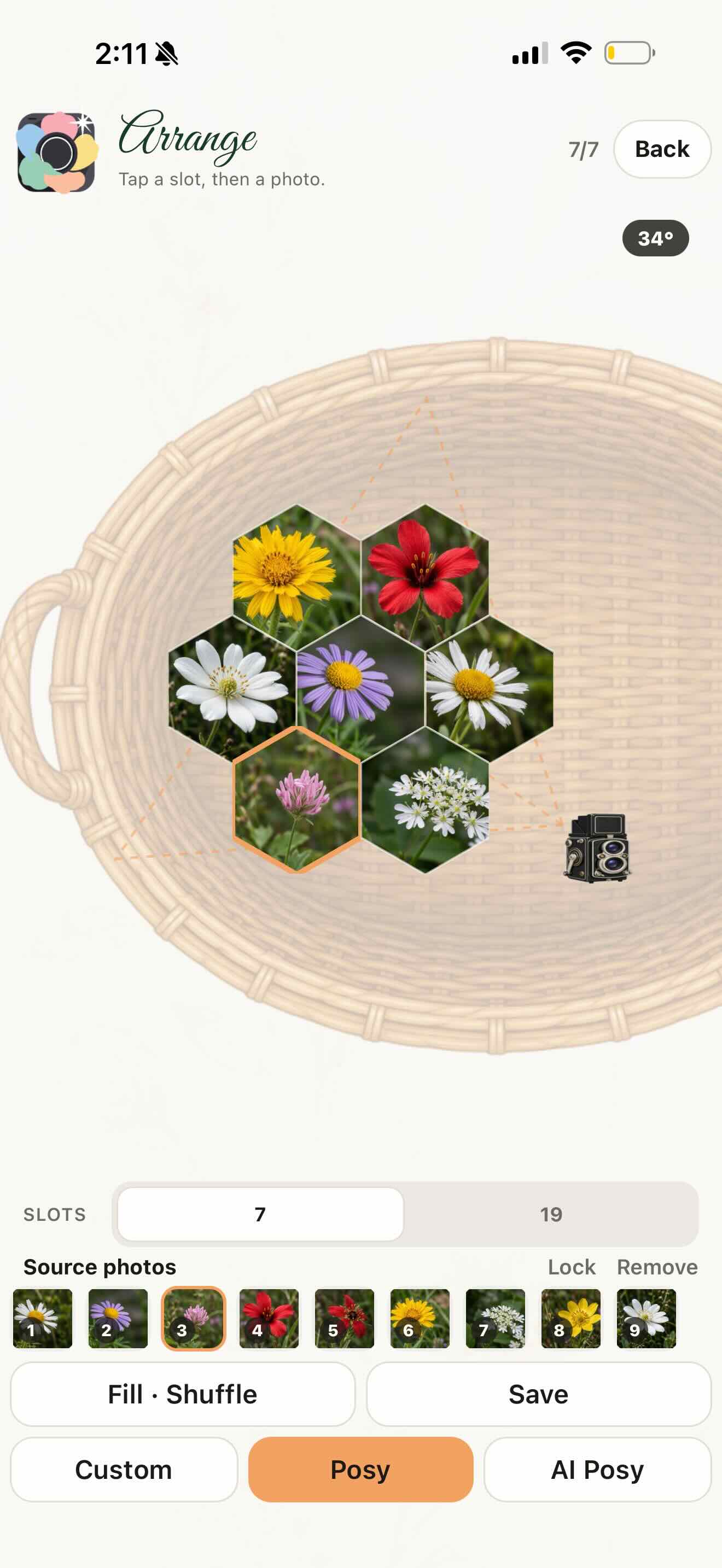
    Pick a vase if you want.

  3. Save it, export it, or send it

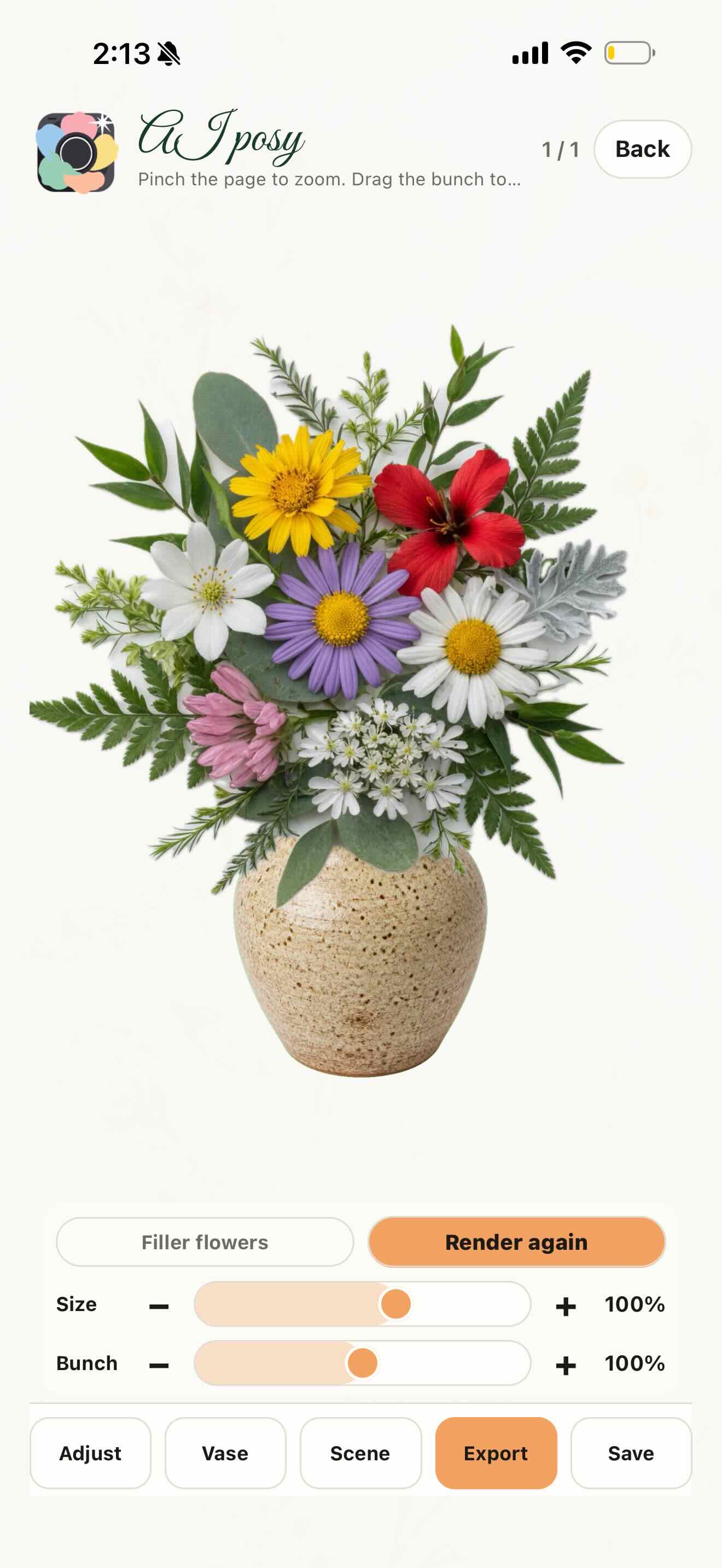
    Optional: tap AI Posy to have AI finish a bouquet from your arrangement. Photos stay on the iPhone unless you use AI Posy.
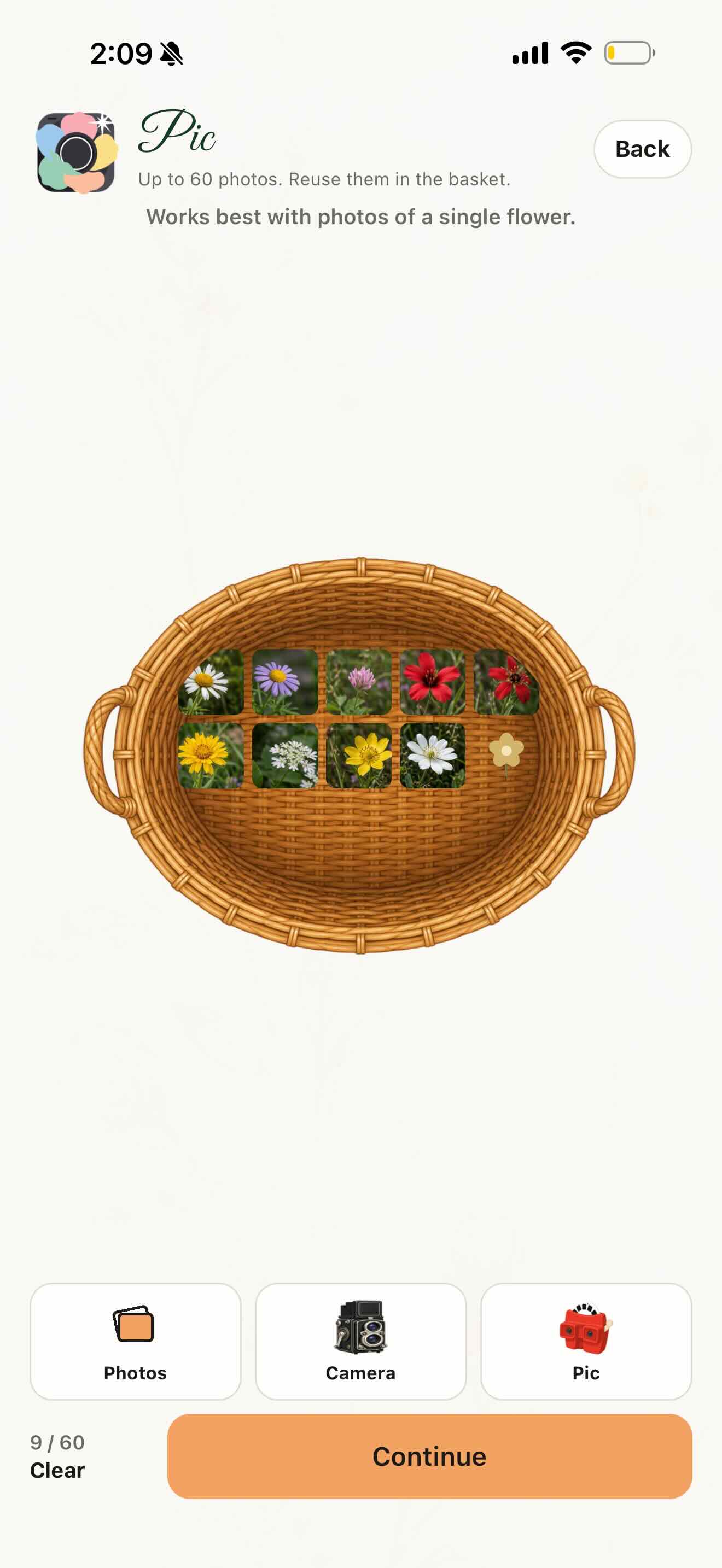
The Pic screen: a basket of flower photos on an iPhone
Pic a flower
The Arrange screen: flower photos in a posy
Arrange a posy
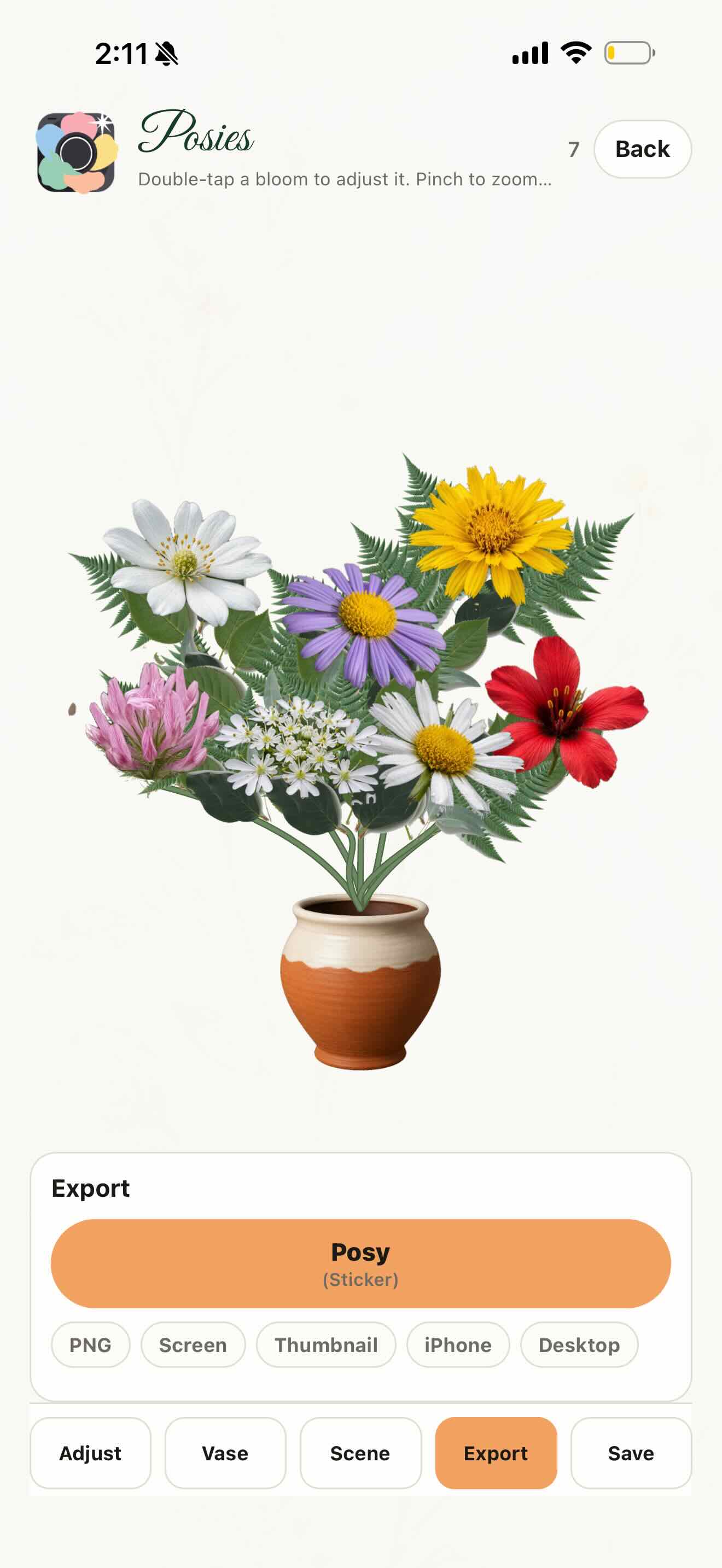
A finished posy in a two-tone vase, ready to export
A finished posy
An AI Posy: a finished bouquet in a vase
AI Posy
An iMessage thread: a thumbs-up, then the posy sent as a sticker
Send it as a sticker